Our billing is handled through your Hub account.
- Log into the Hub.
- Click on Menu in the top right corner.
- Click on Billing.
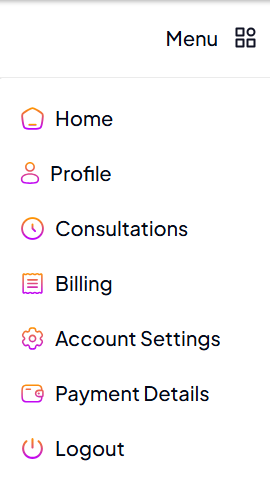
From here, you can:
- see your active subscriptions.
- see information about your subscription.
- add or remove extras from your subscription.
- pause your subscriptions.
- cancel your subscription.
- and find and download your invoices.
Need to change your payment details? See this guide.